
Print Reports for IBM Planning Analytics
Boost Your Excel Reporting Efficiency with Our Free Print Reports for IBM Planning Analytics
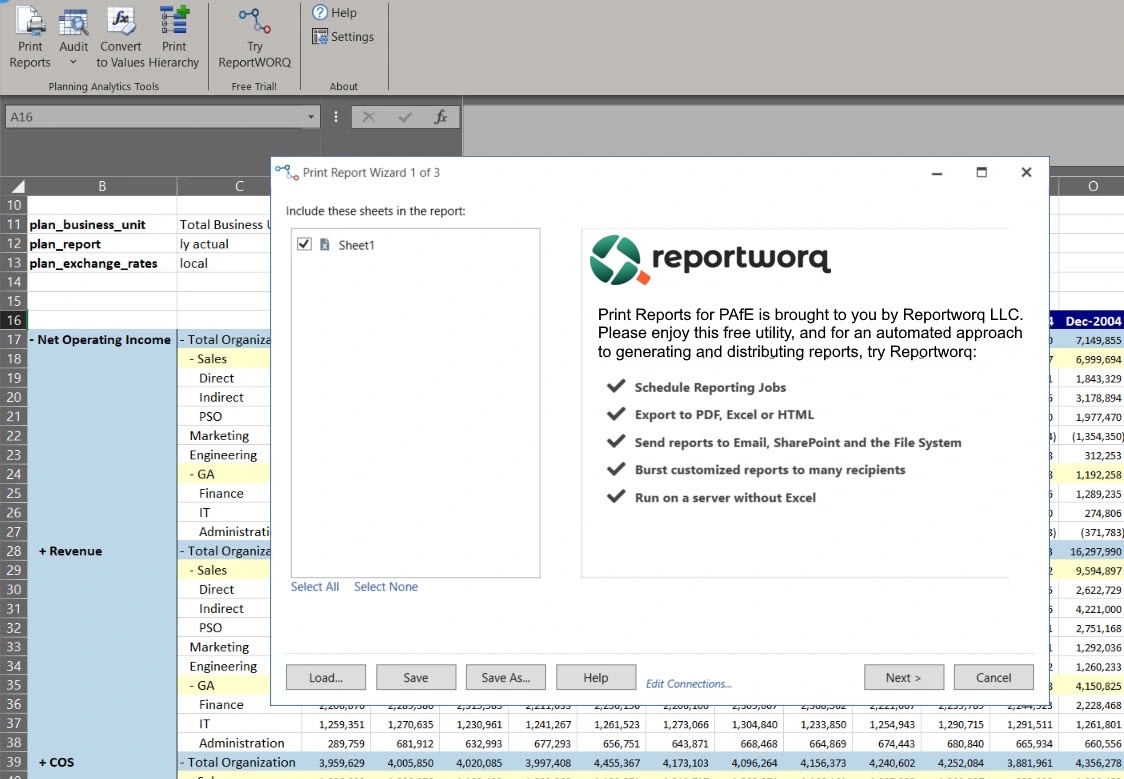
If you're an avid user of IBM Planning Analytics for Excel (PAfE), then we've got great news for you. Upgrade your reporting capabilities with Print Reports, a feature that emulates the popular Print Reports function from the legacy IBM Cognos TM1 Perspectives add-in. And the best part? It's absolutely free!
Quick and Easy Installation
Installing Print Reports is a breeze. Simply download the software package, which includes Print Reports and some other PAfE-productivity tools, from the link below and launch it directly from within Microsoft Excel.
Compatibility and Requirements
Print Reports runs as an Excel add-in and is compatible with all currently supported versions of Microsoft Office.
How to Obtain a Free License Key
Although Print Reports is free, it does require a license key for activation. You can easily obtain this key when you open the Print Reports utility in Excel.
Upgrade Your Reporting Game Now!
Download Print Reports to elevate your reporting capabilities in IBM Planning Analytics for Excel. The Excel add-in even has other free features to help audit your PAfE reports.
Print Reports is based on a small subset of report-generation and automation functionality in our Reportworq solution.
Want to Learn More?
Get a 30-day free trial and custom demo of Reportworq to experience how easy the reporting automation and planning solution is to install and configure.