Distribution
Everyone gets their numbers, and only theirs.
Reports go out wherever teams already work, all under finance's control. Every reporting cycle ends the same way: someone sends the files. That step costs analyst hours and creates the version corrections nobody planned for. Reports generate and deliver automatically instead, on your schedule.
Request a Demo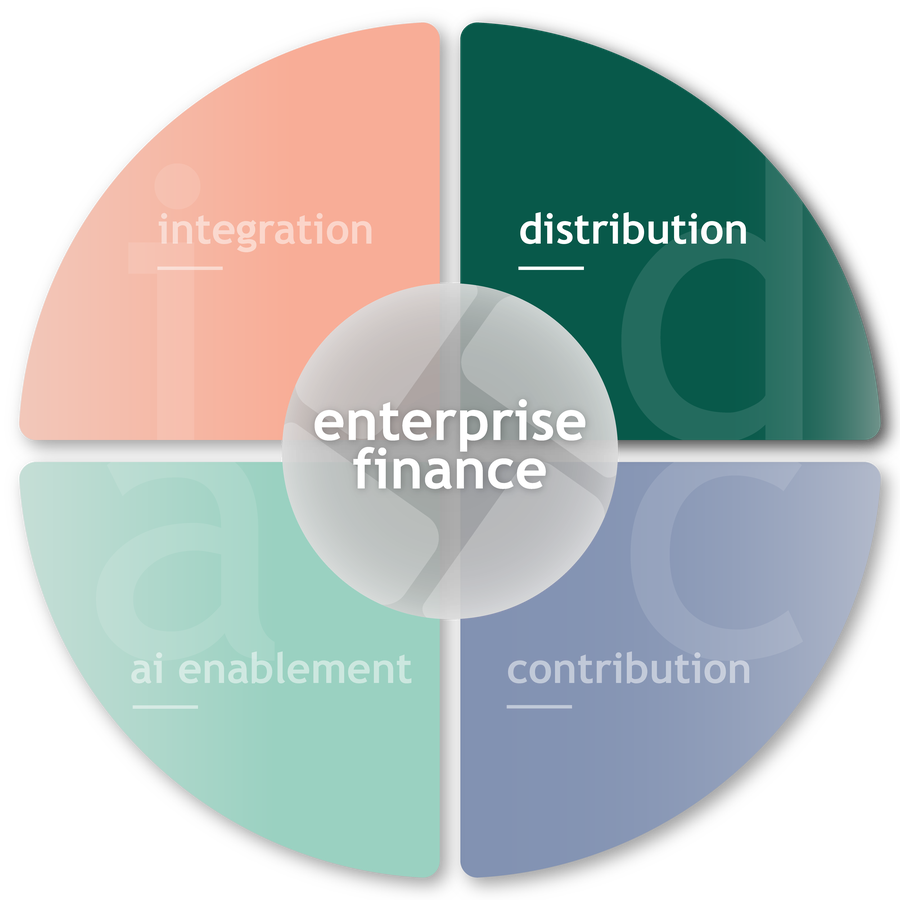 IntegrationContributionAI Enablement
One platform. Four capabilities.
How it works
Runs on your schedule
Or the moment new data lands. No one has to remember to start it.
Personalized per recipient
One template, output scoped to what each person can see.
Every destination
Email, SharePoint, Teams, Slack, or a GitHub repo for downstream pipelines.
Any format
Excel, PowerPoint, PDF, or HTML email.
Proof
70 market presidents. Zero manual distribution.
Townsquare Media: 70 market presidents now receive personalized reports every cycle, automatically.
Inside Reportworq
One job, personalized for everyone who needs it.
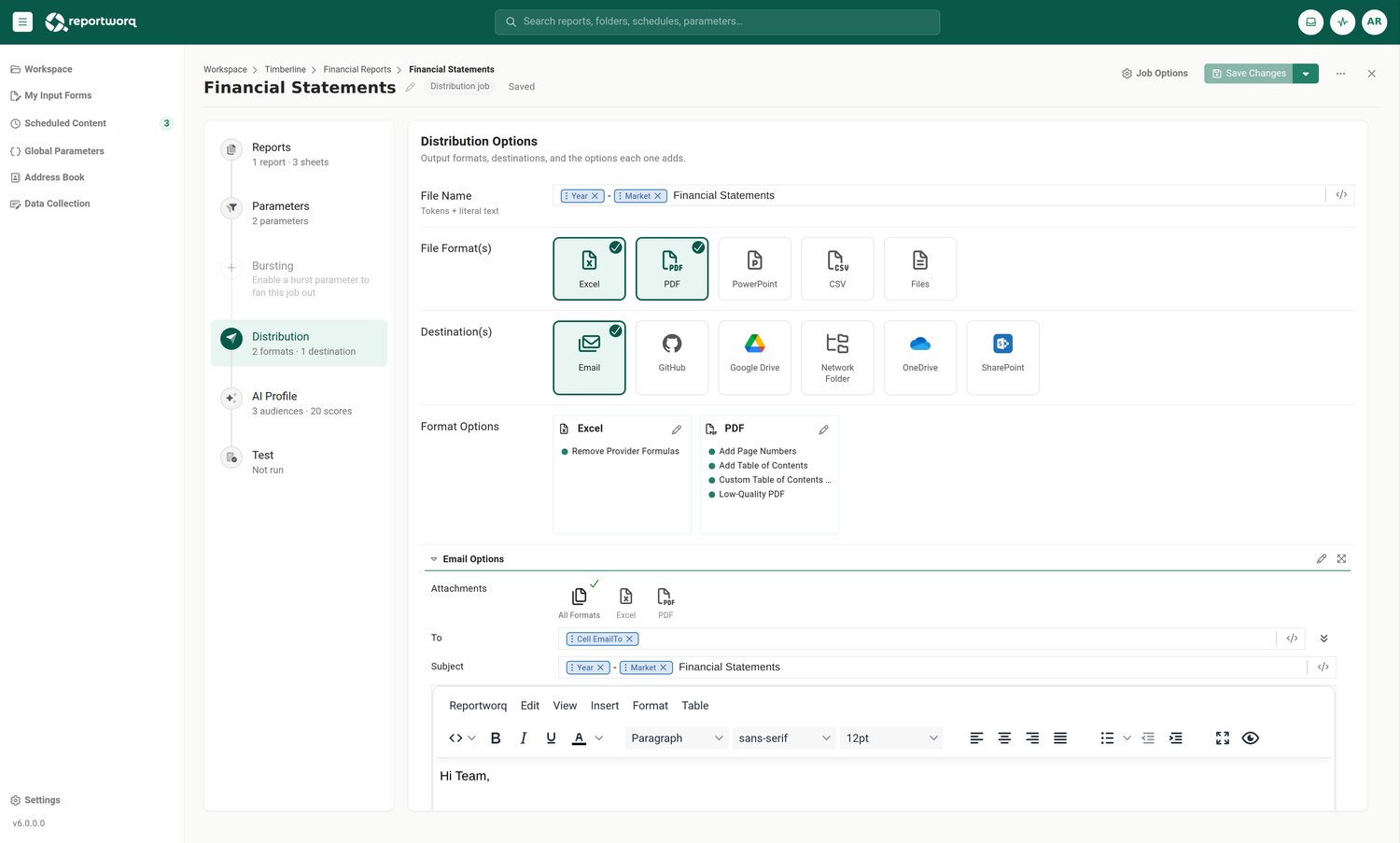
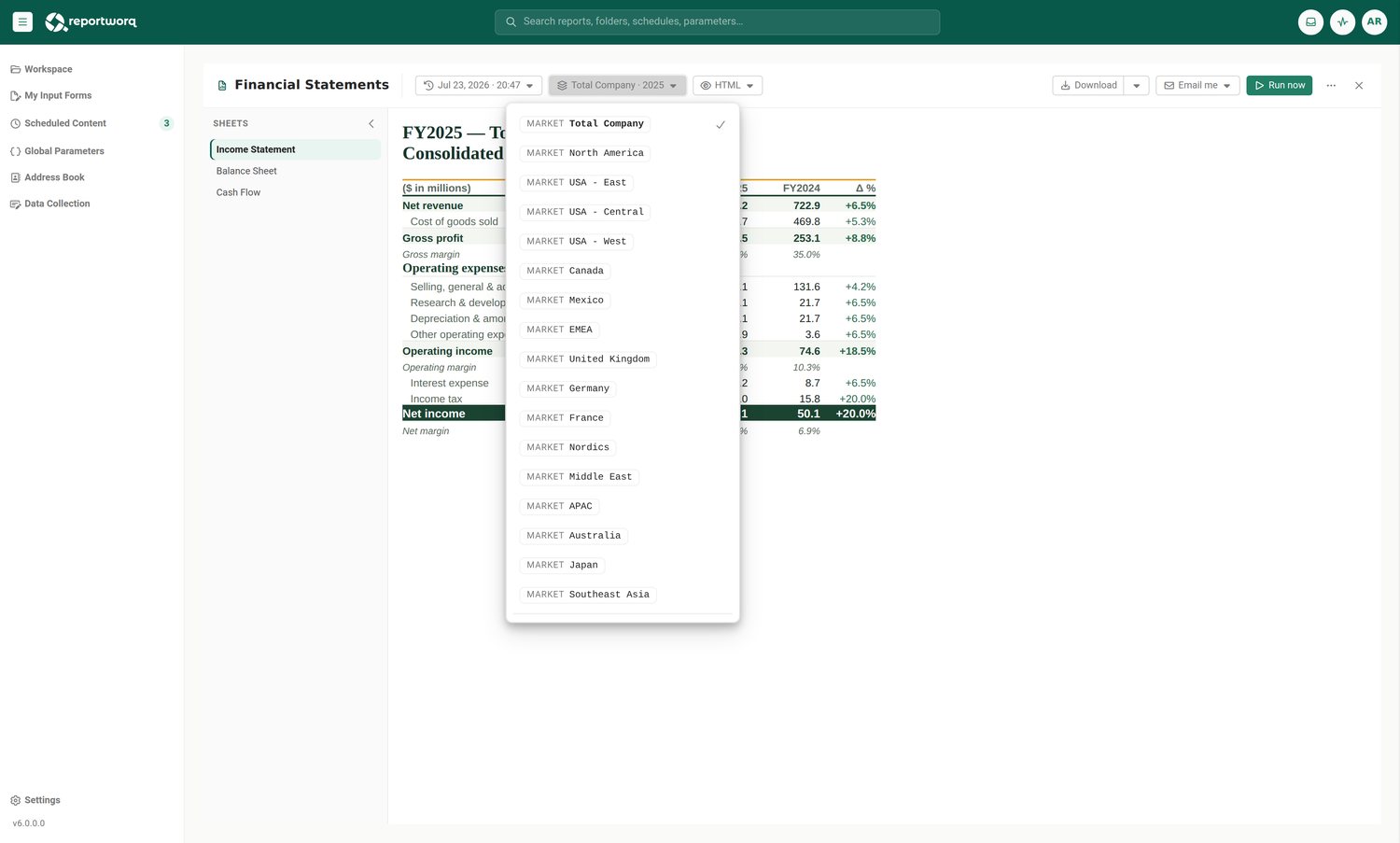
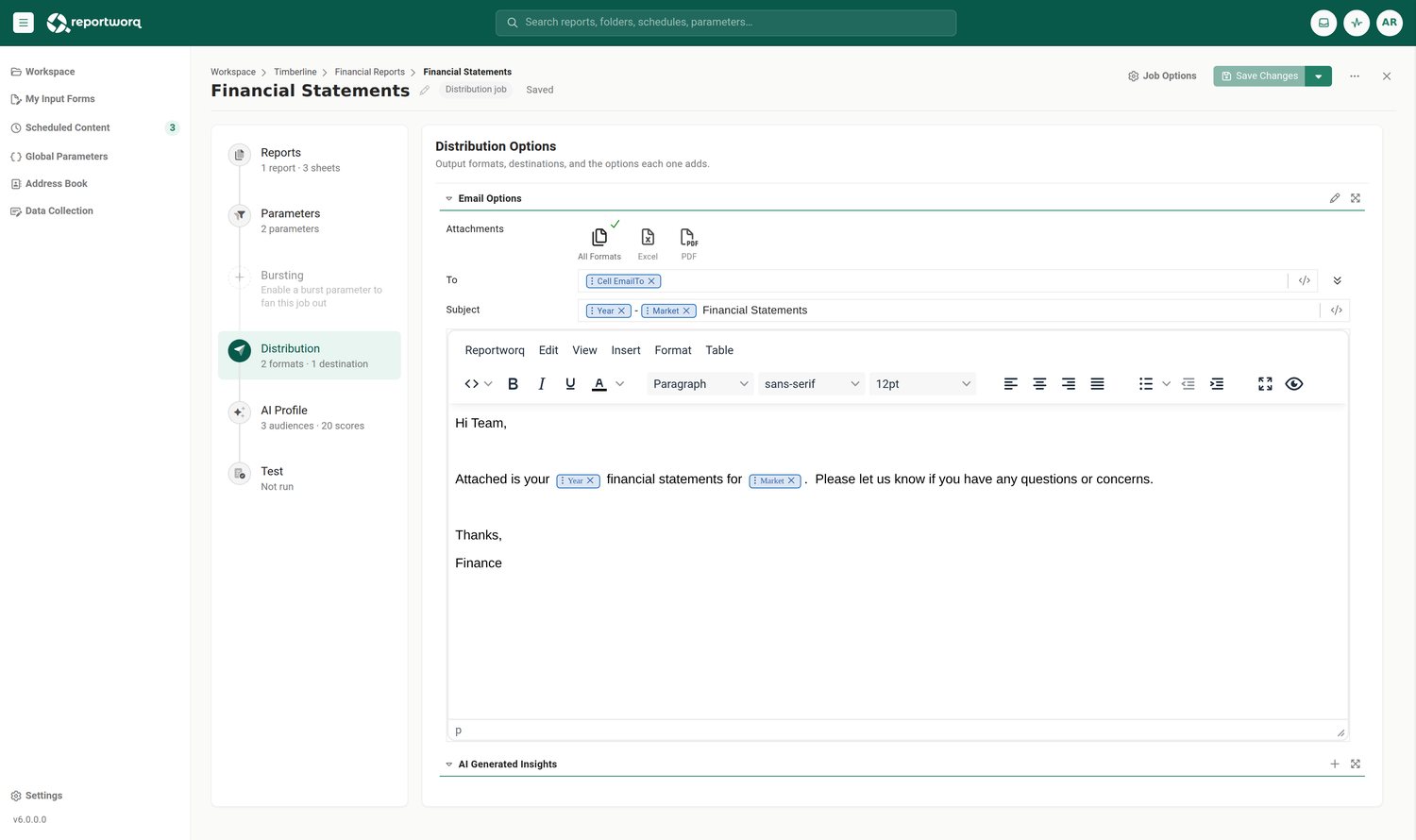
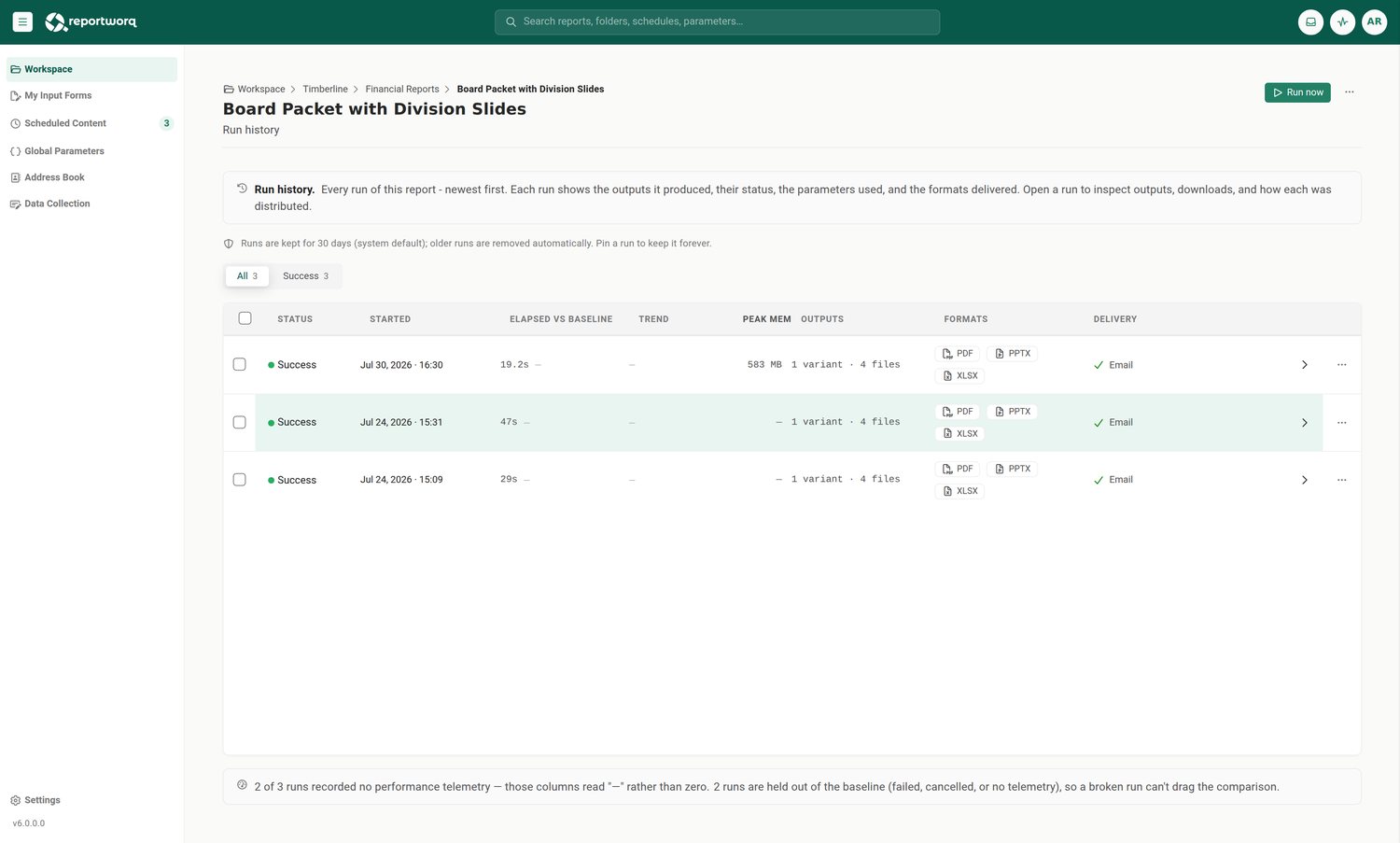
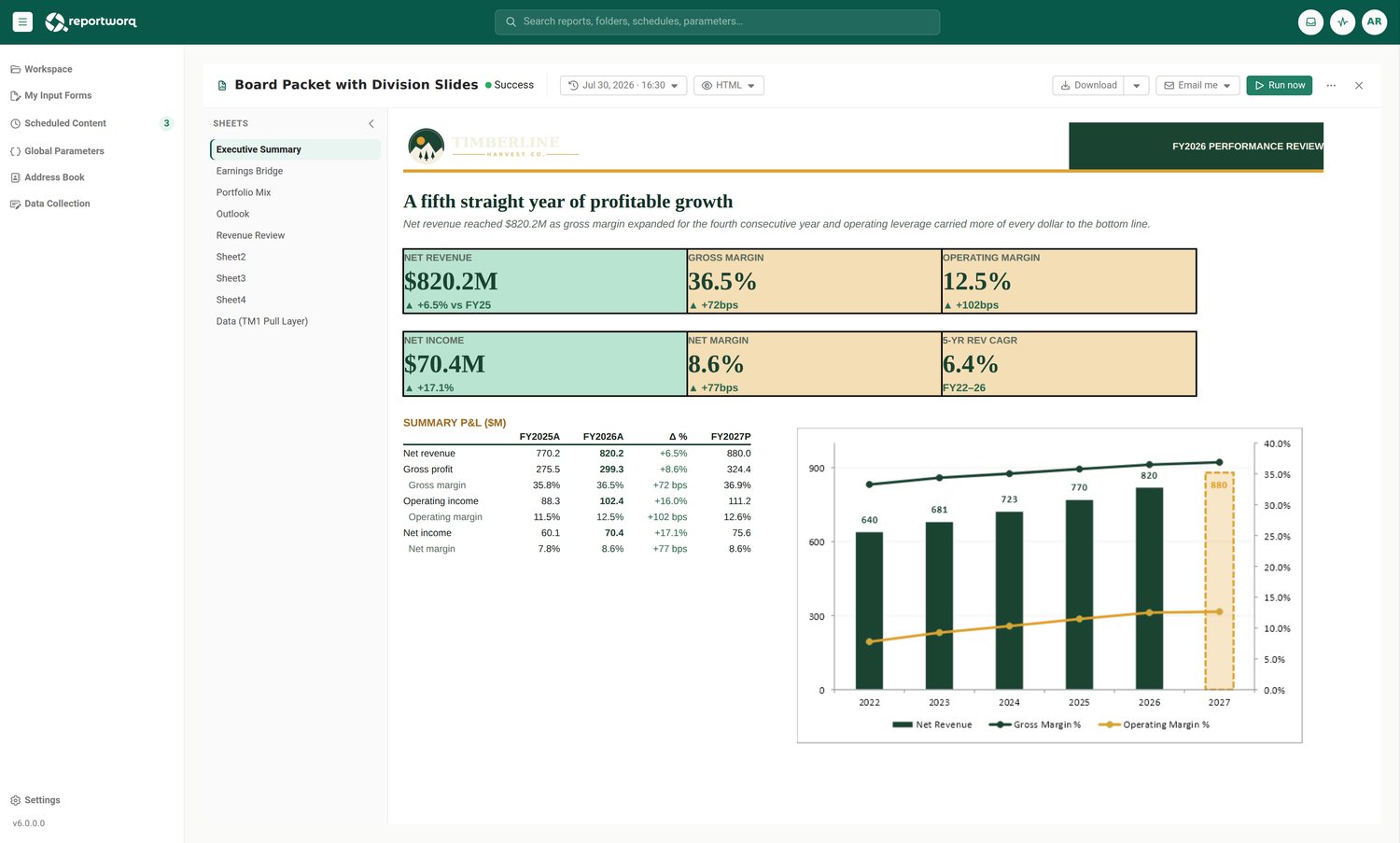
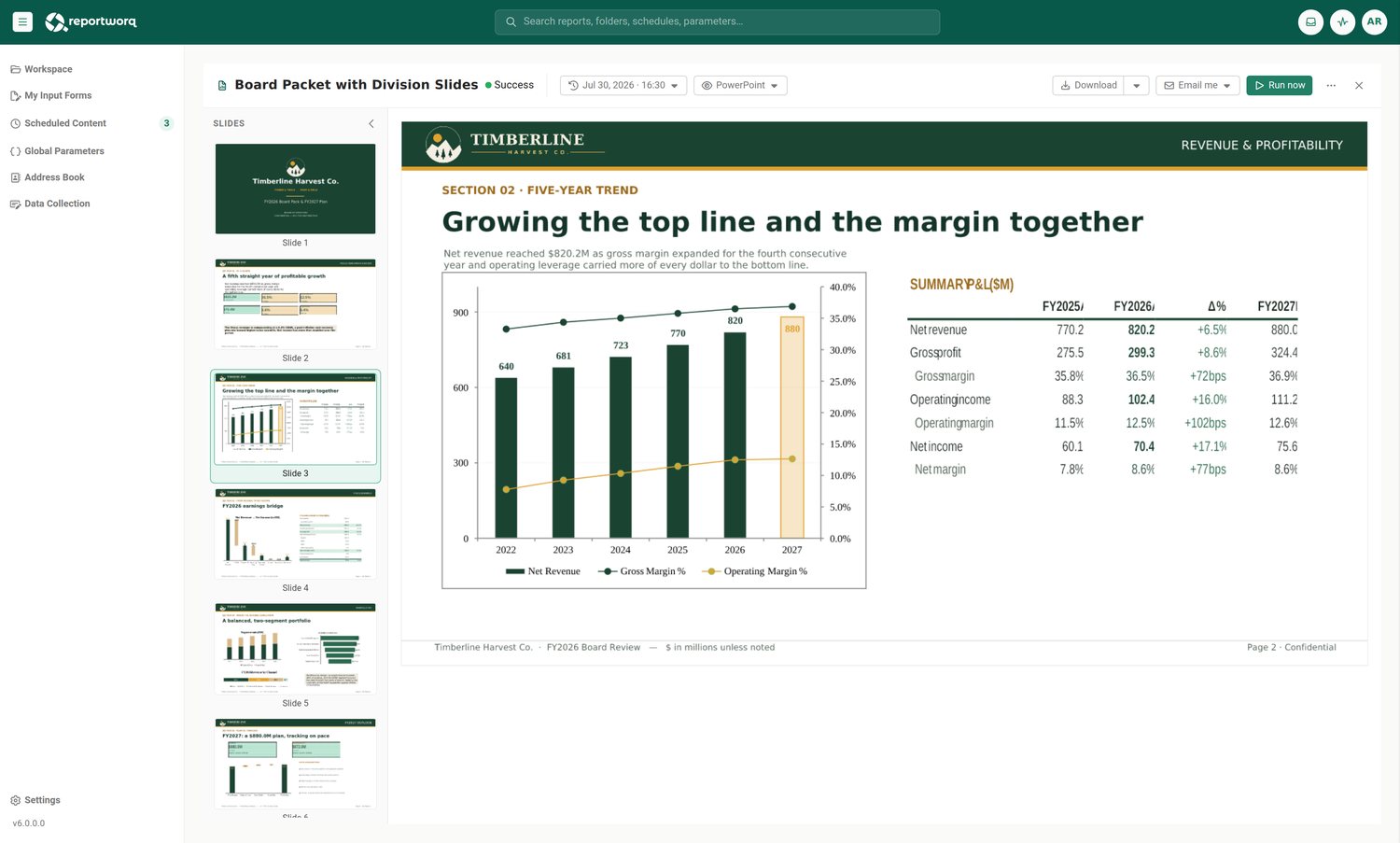
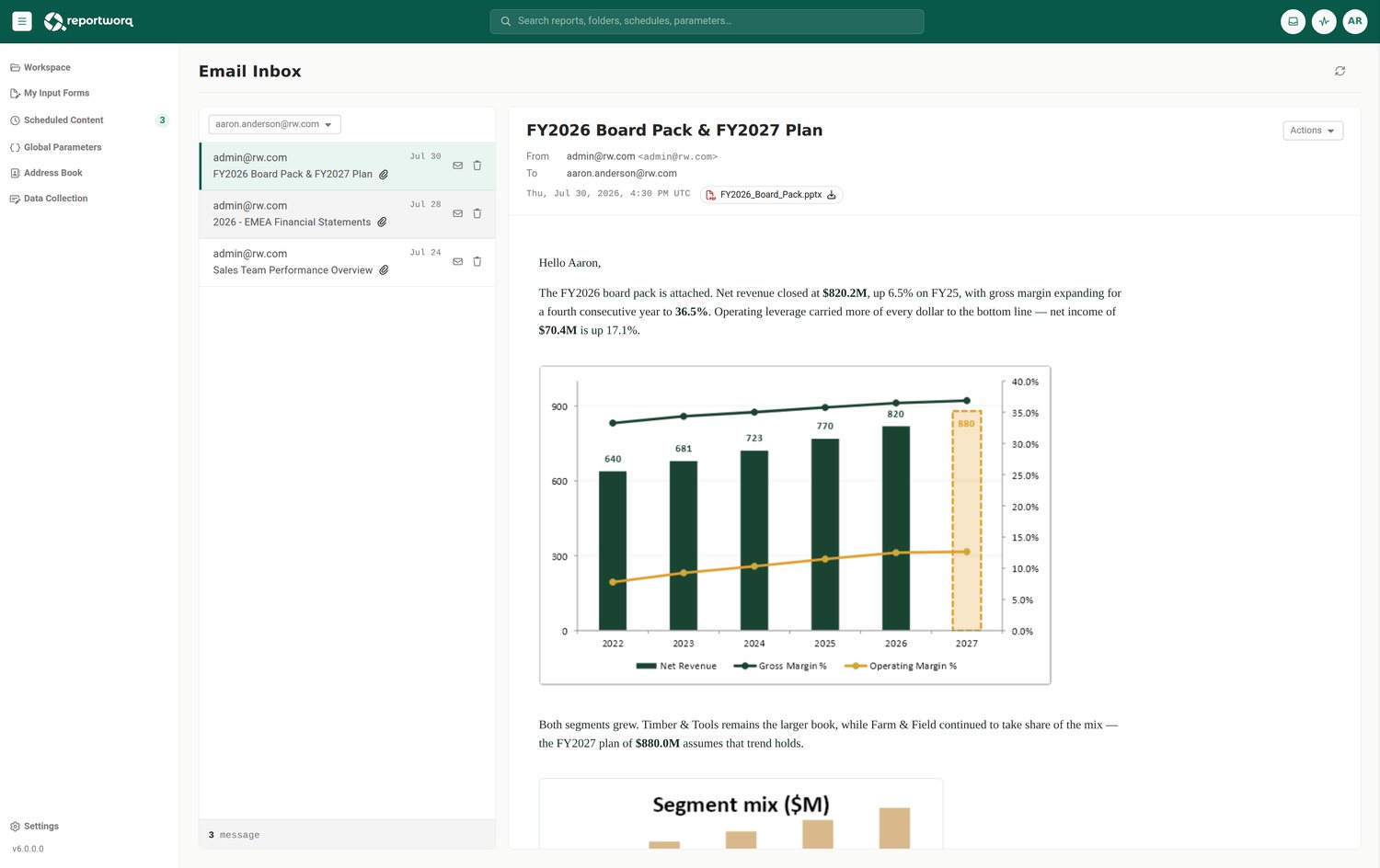
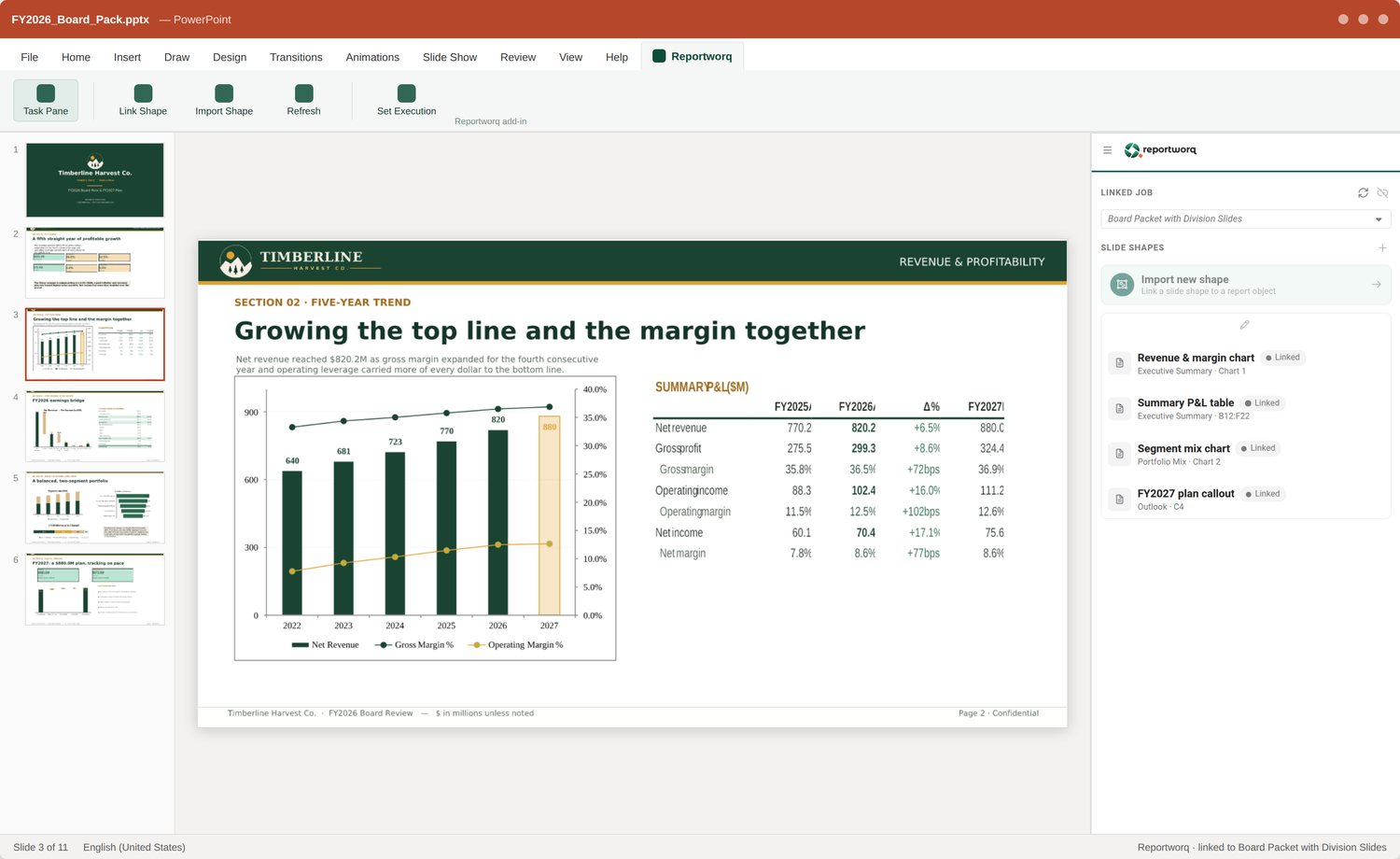
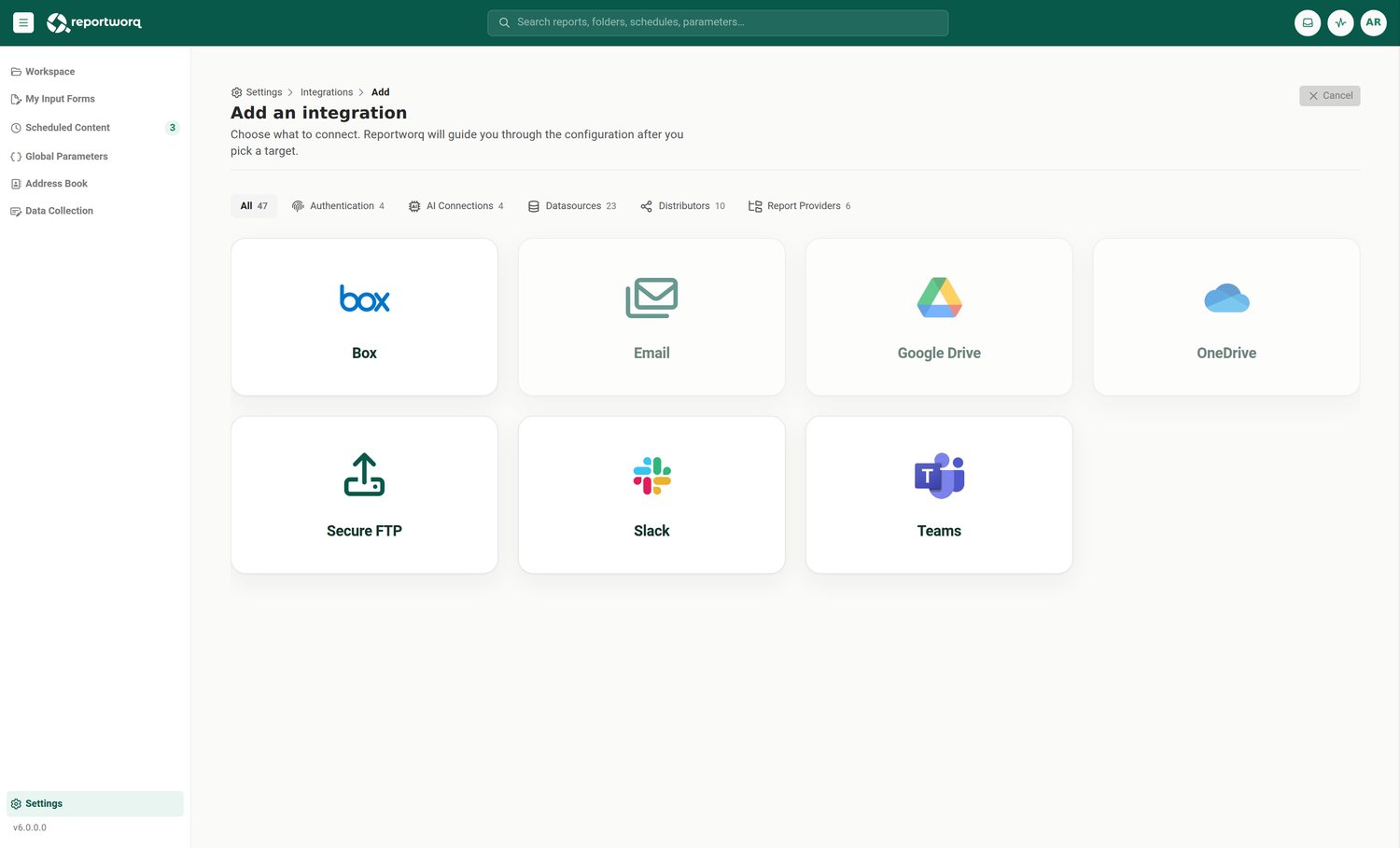
Real Reportworq screenshot: one job, bursting into a personalized report for each recipient.
FAQ
Distribution questions
How do users receive their reports?
Reportworq automatically delivers personalized Excel, PDF, and PowerPoint reports through Email, Microsoft Teams, Slack, SharePoint, or other supported destinations based on your schedule and security rules.
Can different stakeholders receive different versions of the same report?
Yes. A single template can produce personalized outputs by user, role, region, or entity, with each recipient seeing only the information they are authorized to access.
Can users retrieve reports after they’ve been distributed?
Yes. Every generated report can be securely stored in the Reportworq Content Portal, giving users on-demand access to current and historical reports without relying on email folders or shared drives. Powerful search, filtering, and role-based security make it easy to find the right report whenever it’s needed.
See it in your environment.
Twenty minutes on your own reports.
